
Map and floor plan view
Current vehicle positions on a satellite map or on your uploaded site plan, with zones and labels.
Teherkapu module
Teherkapu's yard management module makes vehicle movements on your site visible and controllable: it shows on a map or floor plan where vehicles are, what task they are doing, and which location they need to go to next.
On a large site it is hard to track where each vehicle is, when it finished and what its next task is. Dispatchers search for drivers by phone, and vehicles circle or wait unnecessarily.
Teherkapu yard management gives every vehicle a task list and a route, and the dispatcher sees the whole site on one map.
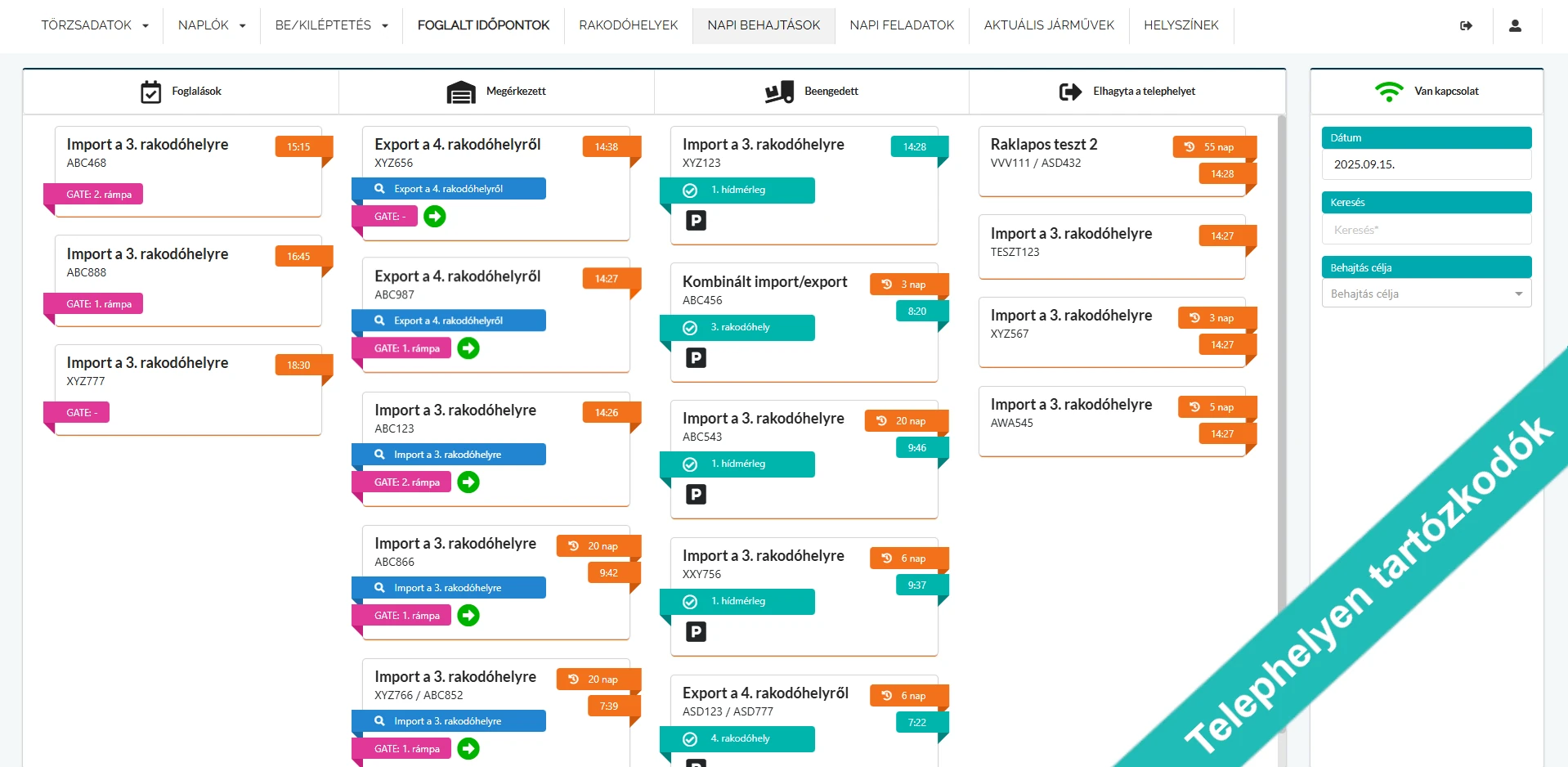

Current vehicle positions on a satellite map or on your uploaded site plan, with zones and labels.
Besides loading bays you can add a weighbridge, waiting area, parking, reception and customs office, organised into zones.
For each entry purpose you define the order in which a vehicle must visit locations; the system warns about missing routes.
New tasks can be assigned to vehicles on site; the driver receives a message and notes about the next location.
An optional feature: based on loading direction and customer or supplier, the system creates the vehicle's tasks automatically. By default, tasks are created based on the entry purpose.
Daily overview of booked, arrived, admitted and departed vehicles, with cargo quantities and weighbridge data.
The site maps its locations, zones and routes.
At check-in, the vehicle receives a task list based on its entry purpose.
The vehicle's progress and status can be followed on the map.
Before exit, the system shows whether the vehicle has completed all its tasks.
Yard management is the control of vehicle movements, waiting and tasks on a site from entry to exit. Its goal is better use of loading bays and shorter waiting times.
Vehicle status can be followed without devices, based on check-in and task progress. For precise positioning the system uses the GPS and indoor BLE signals of truck caller devices.
Yes. In addition to the map view you can upload your own site plan and place locations and zones on it.
Yes. The visiting order can be set for each entry purpose, and the system warns you if a purpose has no route.
The system tracks the vehicle's status (arrived, loading, finished) and flags before exit whether the vehicle has completed all its tasks.
Request a callback from our expert, or set up a demo for your site in 10 minutes with just a few details.